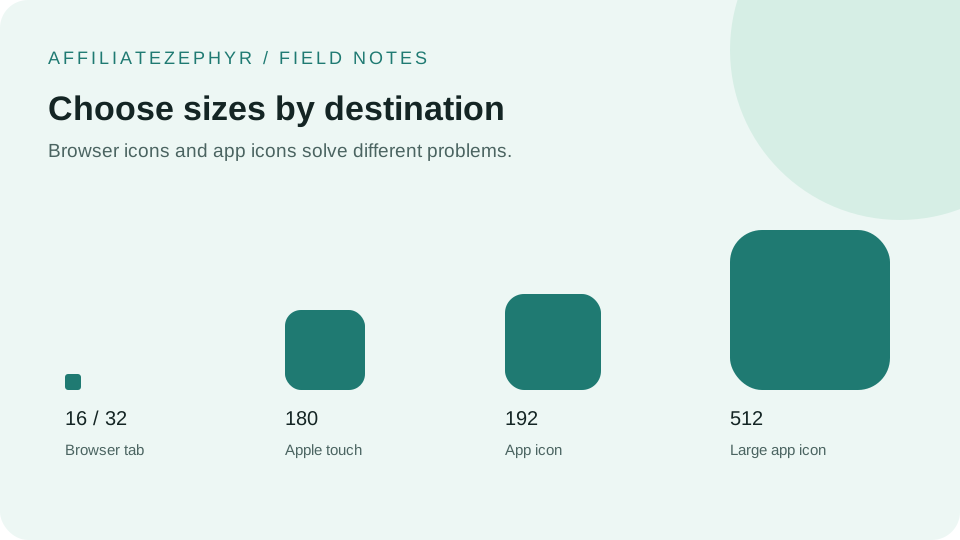
When someone taps "Add to Home Screen" for a website on an iPhone or iPad, iOS doesn't use the regular browser tab favicon for the resulting home screen icon — it looks for a specifically designated Apple touch icon instead, and without one, the result often looks noticeably worse than intended.
What happens without a dedicated Apple touch icon
If no Apple touch icon is specified, iOS typically falls back to taking a screenshot of the actual webpage content and using that as the home screen icon, or in some cases uses a generic icon — neither of which looks like an intentional, polished app icon. This is one of the more common reasons a site looks unprofessional specifically on iOS home screens, even when its standard browser favicon looks fine.
The correct HTML tag
The 180x180 pixel size covers current-generation iPhones at their standard resolution; iOS will scale this down automatically for devices that need a smaller icon, which produces better results than scaling up a smaller source image. Our free Favicon Generator creates this exact size automatically.
Design considerations specific to Apple touch icons
Unlike a standard favicon, which often benefits from a transparent background, Apple automatically applies rounded corners to touch icons and (depending on iOS version) may add its own visual treatment. It's generally recommended to provide an icon with a solid, filled background rather than transparency, since a transparent background can sometimes render unpredictably against the home screen wallpaper depending on the iOS version.
No need to pre-round the corners yourself
Because iOS applies its own corner rounding and visual mask automatically, providing a square image (rather than one with corners already rounded) is the correct approach — a manually pre-rounded icon can result in doubled or oddly-shaped corners once iOS applies its own masking on top.
Should the touch icon match your regular favicon exactly?
Generally yes, for brand consistency — but since it's shown at a considerably larger size than a typical 16x16 or 32x32 browser favicon, it's worth checking that fine details in your design remain legible (or intentionally simplified) at the larger 180x180 size, rather than just re-using an icon designed only with tiny browser tab display in mind.
What about older Apple touch icon variants?
Older Apple documentation references additional sizes and naming conventions (apple-touch-icon-precomposed, various smaller sizes for older device generations), most of which are no longer necessary for current iOS versions. A single 180x180 apple-touch-icon tag covers virtually all currently supported Apple devices.
Testing on an actual device
Because iOS Safari's touch icon detection can behave differently from desktop browser favicon handling, it's worth testing "Add to Home Screen" on an actual iPhone or iPad after setup, rather than assuming it works correctly based on desktop browser testing alone.
Generate the correct size
Our free Favicon Generator automatically includes the 180x180 Apple touch icon size in its generated set, along with the correct HTML tag, ready to add to your site.
Keep reading: