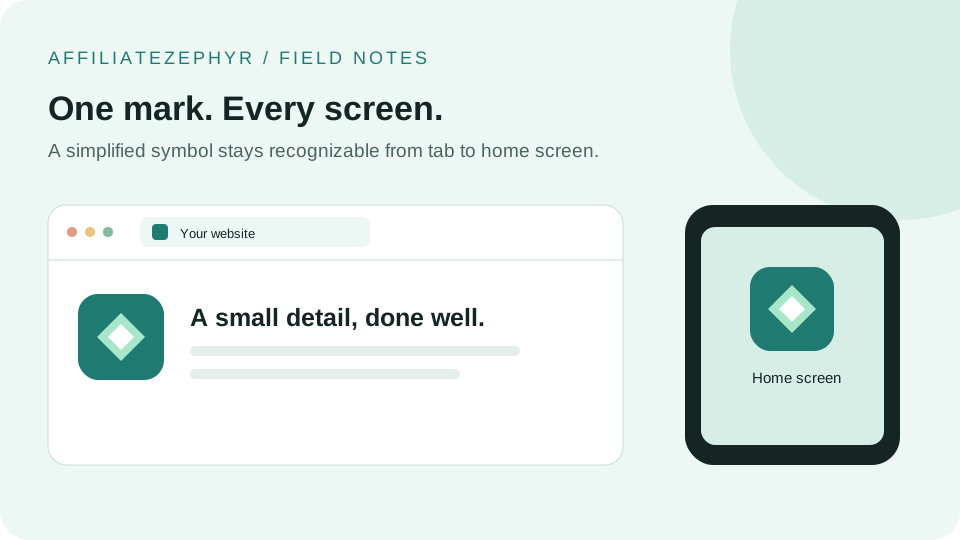
A favicon is easy to overlook — it's a tiny square icon, often just 16 pixels wide, sitting quietly in a browser tab. But that small icon shows up in far more places than most site owners realize, and its absence is more noticeable than its presence.
Where favicons actually appear
- Browser tabs — the original and most common placement, helping users visually distinguish between open tabs at a glance
- Bookmarks and favorites — appears next to saved bookmark entries in most browsers
- Browser history — shown alongside past visited pages
- Mobile home screens — when a site is "added to home screen" on iOS or Android, a larger version of the icon becomes the app-like icon
- Search results — several search engines, including Google, now display a site's favicon next to search results on mobile
- Browser autocomplete and address bar suggestions — favicons often appear next to suggested URLs as you type
Why a missing favicon looks unprofessional
When a site has no favicon, most browsers display a generic blank page icon in its place — a small but noticeable signal, especially when it sits among a row of tabs with proper icons. It's a subtle but real trust signal: sites without one can read as unfinished, abandoned, or less credible, even if the actual content is high quality.
The favicon-in-search-results effect
Since search engines began displaying favicons next to mobile search results, the icon has taken on a small but real role in search result visibility and click-through — a distinctive, recognizable icon can help a listing stand out slightly among a page of otherwise similar-looking results. This is not a ranking factor in the traditional SEO sense (see our guide on favicons and SEO), but it can influence whether someone chooses to click.
Favicons and returning visitors
For a site someone visits frequently and keeps open as a pinned or long-standing tab, the favicon becomes the primary visual identifier — often more so than the page title, which gets truncated in a narrow tab. A distinctive, recognizable favicon makes a site easier to spot at a glance among many open tabs.
It's a small effort with an outsized visibility payoff
Compared to most branding or design work, a favicon is a remarkably small effort — a single small image, generated once — that appears persistently across nearly every touchpoint a user has with a site. This favorable effort-to-visibility ratio is part of why it's worth getting right, despite its tiny physical size on screen.
What a "complete" favicon setup actually requires
Modern web standards expect more than a single 16x16 icon — different devices and contexts (iOS home screens, Android app drawers, high-resolution displays) each look for a specific size and sometimes a specific format. Our guide on favicon sizes explained covers exactly what's needed and why, and our free favicon generator creates the complete set from a single uploaded image.
Get started
If your site doesn't have a proper favicon set yet, our free Favicon Generator takes one image and produces every standard size, a multi-format .ico file, and the exact HTML code to add it to your site — all in about a minute.
Keep reading: