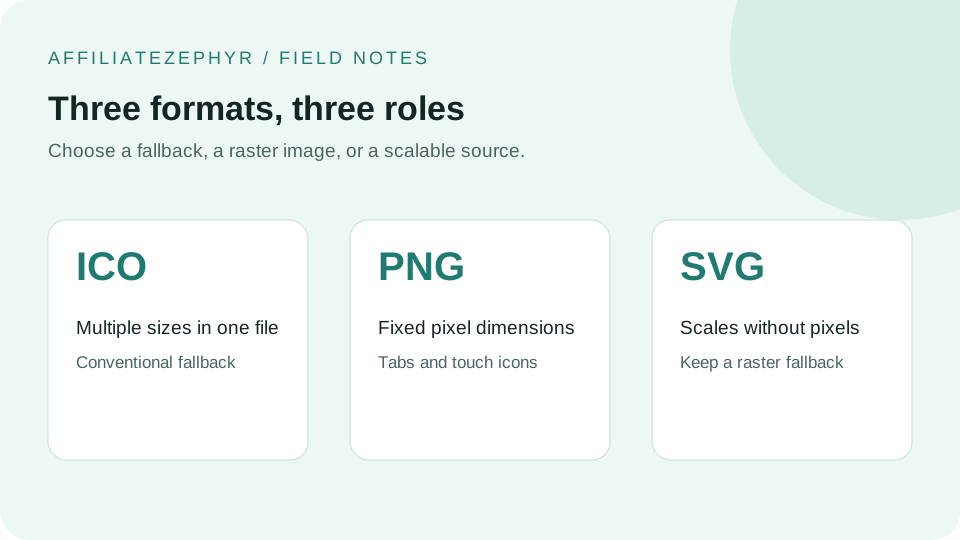
Favicons can be served in several different image formats, each with real trade-offs — and the best modern setups typically combine more than one rather than picking just one.
ICO: the original favicon format
The .ico format was the original favicon standard, dating back to early versions of Internet Explorer. Its distinguishing technical feature is the ability to embed multiple image sizes and color depths within a single file, letting a browser pick the most appropriate embedded size for its context. Modern ICO files typically embed 16x16, 32x32, and sometimes 48x48 versions together. Our free Favicon Generator creates a proper multi-size .ico file automatically.
Pros
Universal browser support, including very old browsers; a single file can serve multiple sizes.
Cons
Larger file size than an equivalent single PNG; less commonly used for the newer device-specific sizes (Apple touch icon, Android icons), which are almost always served as separate PNG files instead.
PNG: the modern standard for most sizes
PNG is now the dominant format for the various device-specific favicon sizes covered in our favicon sizes guide — Apple touch icons, Android/manifest icons, and modern browser tab icons are virtually always PNG files.
Pros
Excellent quality at any specific size, transparency support, universally supported by all modern browsers and devices, straightforward to generate at multiple exact sizes.
Cons
Each size requires its own separate file, unlike ICO's multi-size embedding; very old browsers (largely no longer relevant today) had inconsistent PNG favicon support.
SVG: scalable, but with real limitations for favicons
SVG is a vector format, meaning it can scale to any size without quality loss — in theory, an appealing property for a favicon that needs to work at many different sizes. In practice, SVG favicon support is more limited and inconsistent across browsers than PNG or ICO, and one specific SVG favicon use case — Safari's pinned tab icon — has unusual requirements covered in our dedicated guide on Safari pinned tab icons, which only accepts a monochrome SVG format, not a general-purpose colored one.
Pros
Infinitely scalable without quality loss; small file size for simple designs.
Cons
Inconsistent general browser support compared to PNG; Safari's specific pinned-tab SVG requirement (monochrome only) makes a general-purpose colored SVG favicon less universally useful than it might first appear.
The recommended modern approach: combine formats
Most current best-practice favicon setups use a combination: PNG files for each specific device size (16, 32, 180, 192, 512), a multi-size .ico file as a broad-compatibility fallback (particularly for the browser tab and address bar), and optionally a monochrome SVG for Safari's pinned tab feature specifically. This is exactly the combination our free Favicon Generator produces, minus the specialized Safari SVG variant.
A practical recommendation
Unless you have a specific reason to support very old browsers extensively or need the Safari pinned-tab feature specifically, a solid baseline is: PNG favicons at 16, 32, 180, 192 and 512, plus a favicon.ico as a fallback — exactly what our tool generates from a single upload.
Keep reading: