What Is a Favicon and Why Does It Still Matter in 2026?
That tiny icon in your browser tab does more work than most people realize — for branding, usability, and trust.
Read more →AffiliateZephyr's favicon generator takes one image and gives you every size and format your site actually needs — PNG, ICO, Apple touch icon, Android icon — ready to download.
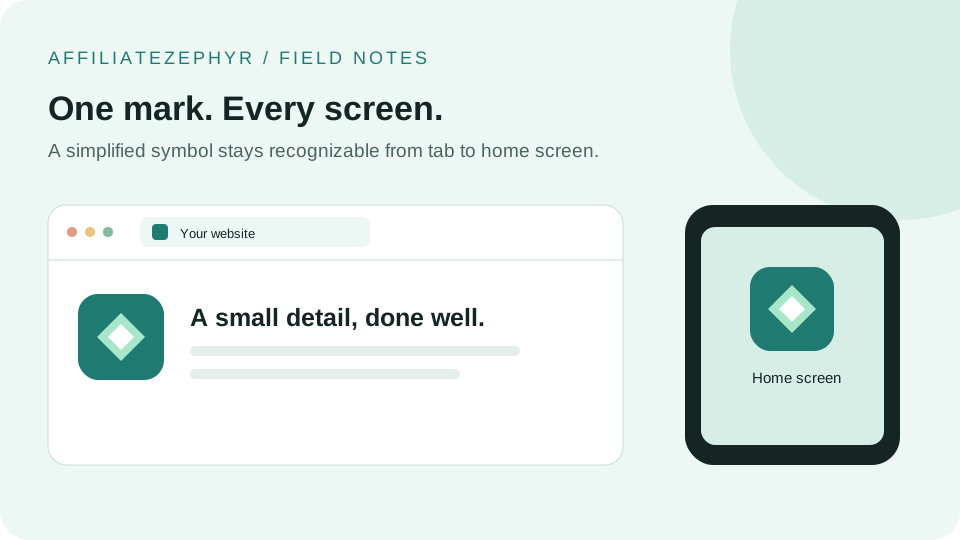
Create a consistent set of icons, inspect the small sizes, and install only the files your website needs. Image resizing happens on your device.
Upload once, get every size instantly — no waiting, no processing queue.
Your image is resized locally in your browser using canvas — it never touches our servers.
PNG for every device, a true multi-size .ico, and the exact HTML to paste into your site.
No sign-up, no branding added to your icon, no premium tier hiding the download button.
Resizing is only the first step. Use this workflow to avoid cropped logos, missing files, and icons that disappear against a browser theme.
Start with a square image at least 512 × 512 px if you need the largest export. Choose a symbol or initial rather than a full logo with a tagline. This generator fills a square by cropping the center of rectangular images, so add square padding beforehand if the edges must stay visible. Enlarging a small source cannot recover missing detail.
Download the 16 and 32 px versions and view them at 100% zoom. If letters merge or thin strokes disappear, simplify the source and generate again. Check both light and dark backgrounds; transparent artwork can become hard to see in one theme.
Upload the exported files to your site's public directory. Add these tags inside <head>. The example assumes files at the domain root; adjust the URLs if you use an asset folder or a site hosted under a subdirectory.
<link rel="icon" href="/favicon.ico" sizes="16x16 32x32 48x48">
<link rel="icon" type="image/png" sizes="32x32" href="/favicon-32x32.png">
<link rel="apple-touch-icon" sizes="180x180" href="/favicon-180x180.png">
The generated ZIP includes PNG files, a multi-size ICO, and an HTML snippet. It does not create a web app manifest or an SVG version of your logo. For an installable web app, configure the 192 and 512 px icons in your own manifest; adding PNG link tags alone does not make a website a PWA.
The browser tab has room for a symbol, not an entire brand identity.
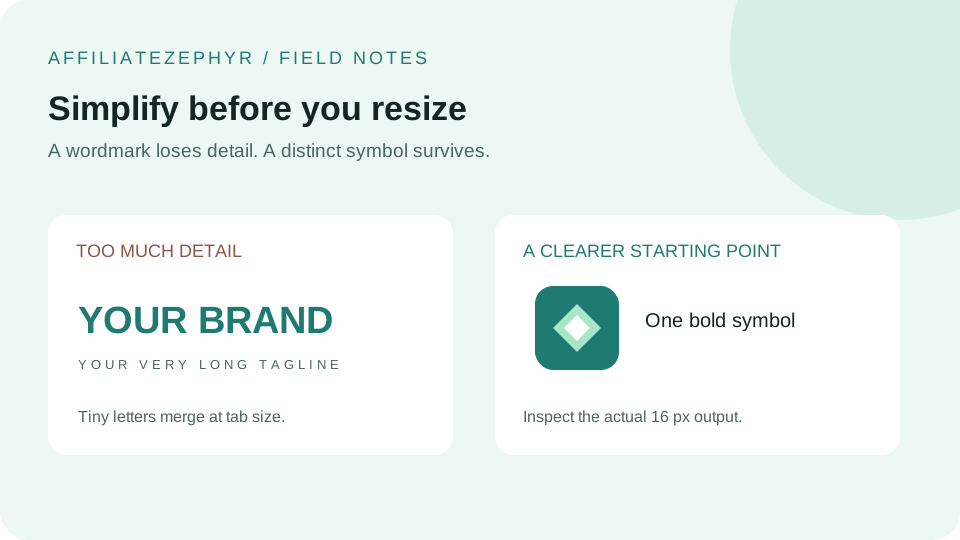
A thin line of text becomes noise at 16 px. Keep the distinctive initial or symbol and let the page title communicate the full name.
Artwork touching the edge can feel cramped or be clipped by a platform's icon treatment. Build space into the source, then check the export.
A dark transparent mark may blend into a dark tab bar. Compare light and dark contexts before deciding on a background.
Use the same core silhouette across sizes. Extra shading on a large icon should not be required to recognize the small one.
Check the exported files and deployed paths before generating another set.
| What you see | What to check | What to change |
|---|---|---|
| The old icon remains | Open the icon URL directly and compare it with the new file. | Replace the deployed file, use a versioned URL such as /favicon-32x32.png?v=2, and test in a fresh browser profile. |
| No icon appears | Look for a 404 or an HTML response at the image URL. | Correct the path and check filename capitalization on the server. |
| The logo is cropped | Compare the rectangular source with the square output. | Add square padding in an image editor before using the generator. |
| The small icon looks muddy | View the 16 px export at actual size. | Remove fine detail or use a simpler symbol; a larger source alone may not solve it. |
| The mobile icon differs | Check the Apple touch link and manifest icon URLs separately. | Update the correct asset, then remove and re-add the saved home screen shortcut. |
The tool reads your chosen image with FileReader and resizes it using browser canvas. That processing does not upload the image. The website may load external fonts, analytics, and a ZIP library; see our privacy policy for site-level data practices.
A favicon helps people identify your website in tabs and bookmarks. It does not guarantee a ranking boost, and search services decide whether to show it. Focus on useful page content as well as a recognizable icon.
Use artwork you own or have permission to use. Photos often lose their subject at small sizes, so crop to one clear shape or choose a simpler mark.
Verify that each referenced URL returns an image, inspect a fresh browser tab, test a light and dark theme, and add the site to a phone home screen if that context matters. A correct desktop tab does not prove the mobile icon is configured.
Technical references: MDN: icon link relations and MDN: manifest icons. These references explain browser behavior; device presentation can vary.
Practical guides on favicons, browser icons and getting the small details of a website right.
That tiny icon in your browser tab does more work than most people realize — for branding, usability, and trust.
Read more →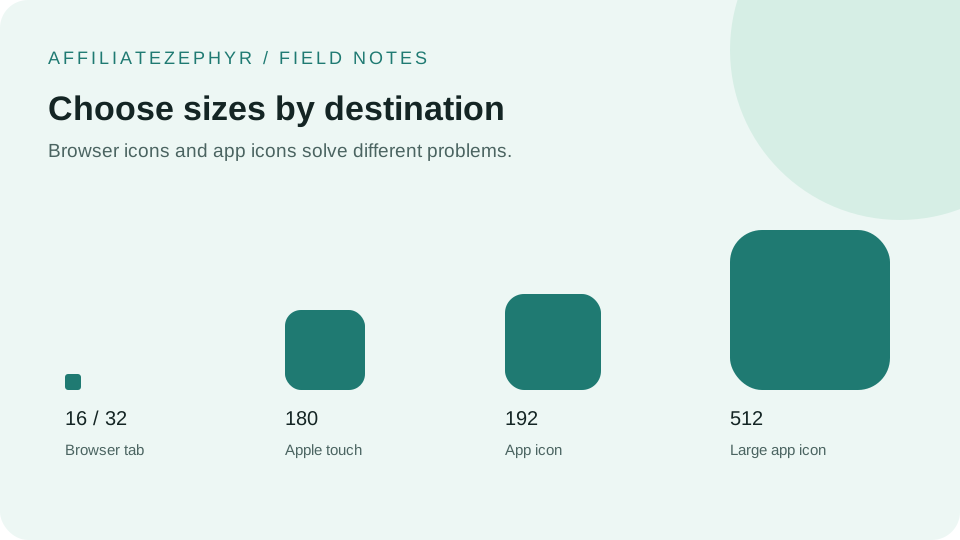
A single favicon size used to be enough. Modern devices expect a whole range of sizes — here's what each one is actually for.
Read more →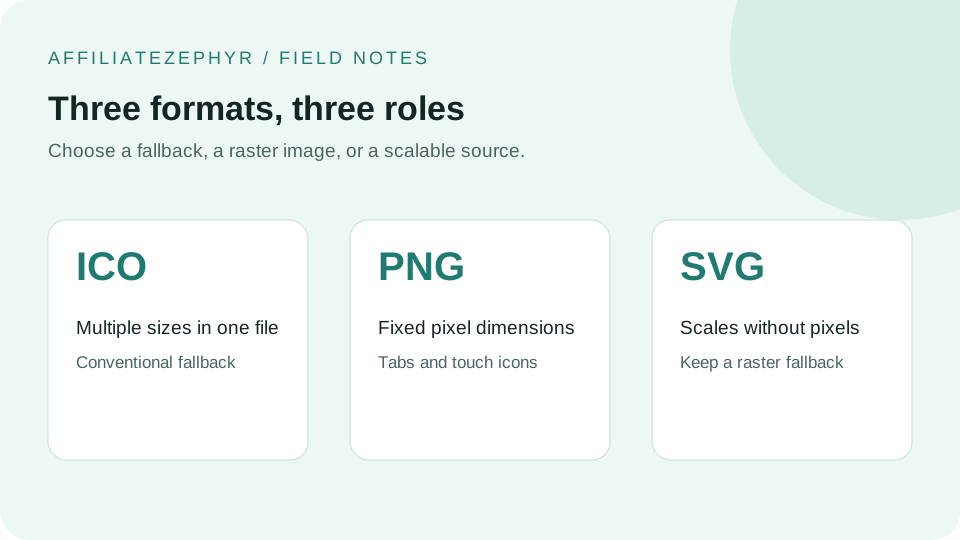
Three different image formats can all serve as a favicon. Here's how they differ, and why using more than one is usually the right call.
Read more →Prepare your source, generate the files, and use the installation checklist above.