A browser with a dozen open tabs presents a genuinely challenging visual environment for a favicon to stand out in — small, closely packed, and competing against a similarly small set of colors from every other open tab.
High contrast against typical browser tab backgrounds
Most browsers use a light gray, white, or dark gray tab background depending on the active theme (light or dark mode). A favicon with strong internal contrast — a clearly defined shape against its own background, not just against the browser chrome — remains identifiable regardless of which tab background color surrounds it.
Avoid colors that blend into common browser UI
Very light gray or white-dominant favicon designs can visually merge with a light-themed browser's tab background, effectively disappearing at a glance. Similarly, a very dark, low-saturation design can disappear against a dark-themed browser. Testing your favicon against both light and dark browser themes (see our related guide on dark mode favicons) is worth doing before finalizing a design.
A distinctive, saturated color often outperforms brand-perfect subtlety
At favicon scale, a bold, saturated color — even if it's a slightly punchier version of your actual brand color — often reads more clearly and distinctly than a muted, sophisticated tone that looks great in a full logo but loses definition at 16x16. Some brands intentionally use a more saturated variant of their palette specifically for the favicon, distinct from their broader brand color usage.
Single dominant color vs. multi-color designs
A favicon built around one dominant color reads more clearly at small sizes than a design relying on several colors interacting — multiple colors packed into a 16x16 space tend to blur together rather than remain visually distinct. If your logo uses multiple brand colors, consider whether a single-color simplified version works better specifically for the smallest favicon sizes.
Background: transparent, white, or brand color?
A transparent background lets the favicon blend naturally into whatever tab background color is active, which works well for shapes with their own strong internal contrast. A solid background (white, or your brand color) gives more consistent, predictable results across different browser themes, at the cost of a small colored square always being visible around your icon rather than it floating freely.
Testing your color choices at real size
As with general favicon design (see our 16x16 design guide), color decisions need to be evaluated at actual favicon size, in an actual browser tab, ideally against both light and dark browser themes — a color combination that looks distinct in a large design mockup can behave quite differently once shrunk down.
A practical starting point
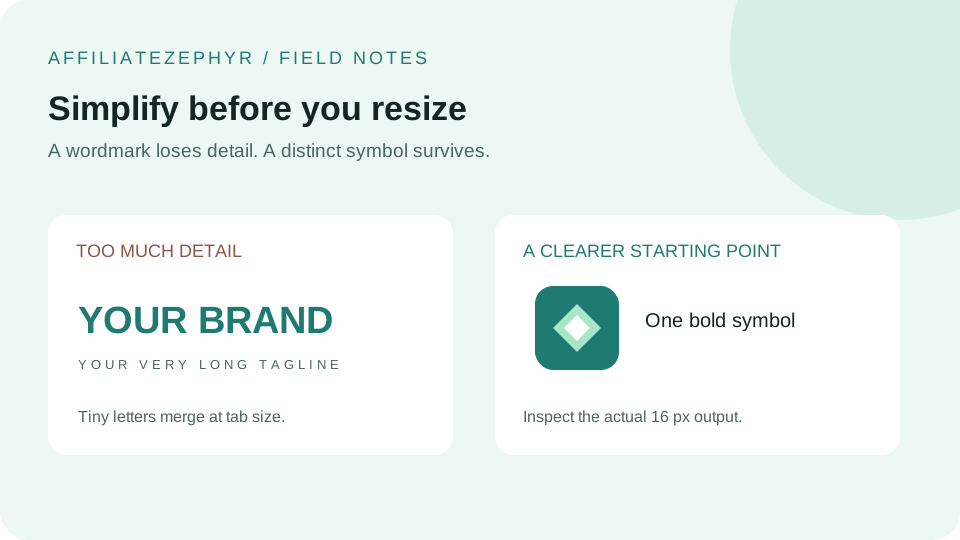
If you're unsure where to start, a single bold, saturated color against a white or transparent background is a safe, broadly effective default — it maintains clarity across most browser themes and avoids the color-blending pitfalls described above.
Preview your color choices
Upload your design to our free Favicon Generator to see exactly how your color choices render across every standard favicon size before committing to a final version.
Keep reading: