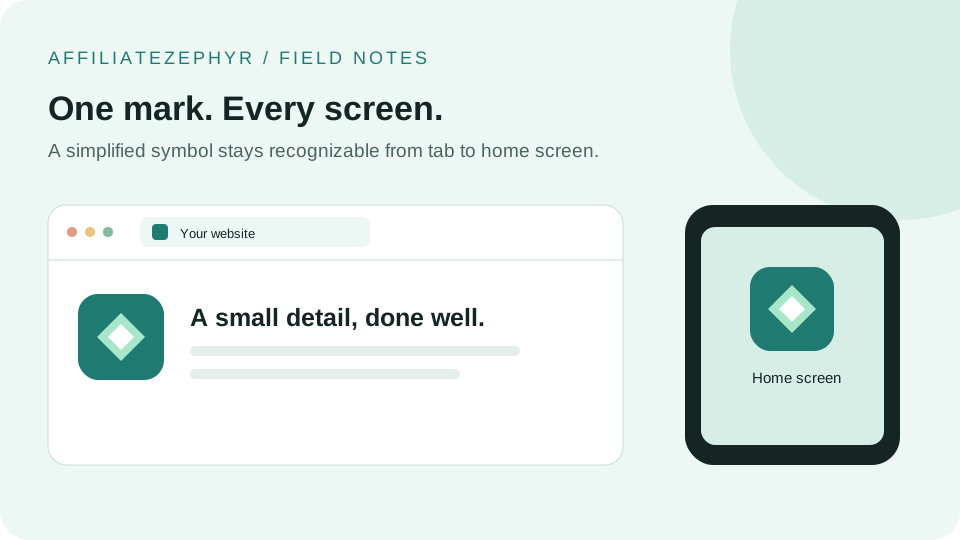
The tiny icon sitting in your browser tab has a genuinely traceable origin story, emerging during a specific, competitive period of early web browser development — a small feature that turned out to have remarkable staying power.
The 1999 introduction
The favicon concept was introduced with Internet Explorer 5 in 1999, allowing website owners to specify a small icon (originally via a favicon.ico file placed in a site's root directory) that would appear in the browser's address bar and in bookmark entries — the "favorites icon," which is where the name derives from.
Why the .ico format specifically was chosen
The .ico format was already an established Windows icon format at the time, used for desktop application and file icons — adopting it for browser favicons meant leveraging an existing, well-understood format rather than inventing something new. This is why, decades later, .ico remains part of the favicon ecosystem even as PNG has become the more common format for many individual sizes.
Early adoption was slow and inconsistent
In the format's early years, favicon support and adoption were inconsistent across different browsers, and many sites simply didn't bother implementing one — a missing favicon was a common, unremarkable sight in the late 1990s and early 2000s web, quite different from today's expectation that virtually every site has one.
The shift toward PNG and multiple sizes
As the web matured and displays diversified — higher resolution screens, then smartphones with their own home screen icon conventions — a single small .ico file was no longer sufficient. PNG favicons at multiple specific sizes became the norm, driven initially by Apple's introduction of the touch icon concept for iOS home screens, followed by Android's manifest-based icon system.
The mobile era's impact on favicon requirements
The proliferation of smartphones fundamentally expanded what a "favicon" needed to cover — no longer just a browser tab icon, but potentially a home screen app-like icon, a splash screen image, and eventually a Progressive Web App icon set, each with their own size and sometimes format requirements, covered throughout the other guides on this blog.
Search engines adopting favicon display
A more recent development in favicon history: major search engines, including Google, began displaying site favicons directly within search results (particularly on mobile), adding yet another practical reason for sites to maintain a properly configured favicon — a use case entirely unrelated to the format's original 1999 browser-tab purpose.
Why the format has remained relevant despite its age
Unlike many web technologies from the late 1990s that have been fully replaced or deprecated, the core favicon concept has simply expanded and layered new requirements on top of the original idea, rather than being replaced by something fundamentally different — a testament to how well the original simple concept (a small, recognizable icon representing a site) has scaled to fit new contexts over more than two decades.
Where things stand today
A modern, complete favicon setup — covering browser tabs, iOS home screens, Android/PWA contexts, and search result display — reflects this layered history: an ICO file for broad legacy compatibility, PNG files at several specific modern sizes, and sometimes a manifest file, all serving the same basic 1999 concept across a much wider range of devices and contexts than originally imagined.
Build your modern favicon set
Our free Favicon Generator creates the complete modern set — spanning the format's full history from classic .ico to current PWA-ready PNG sizes — from a single uploaded image.
Keep reading: