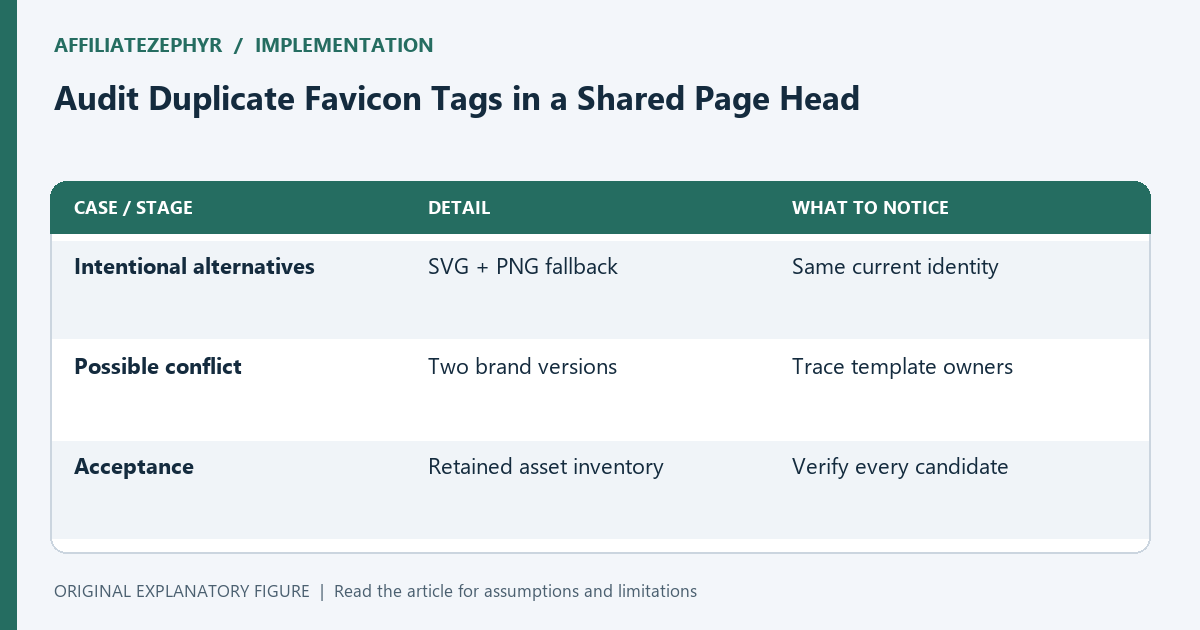
Audit Duplicate Favicon Tags in a Shared Page Head
Find conflicting icon declarations from themes, plugins, and templates before deciding which asset to replace.
Read guide →Practical guides on favicons, browser icons and the small details that make a website feel finished.
Find conflicting icon declarations from themes, plugins, and templates before deciding which asset to replace.
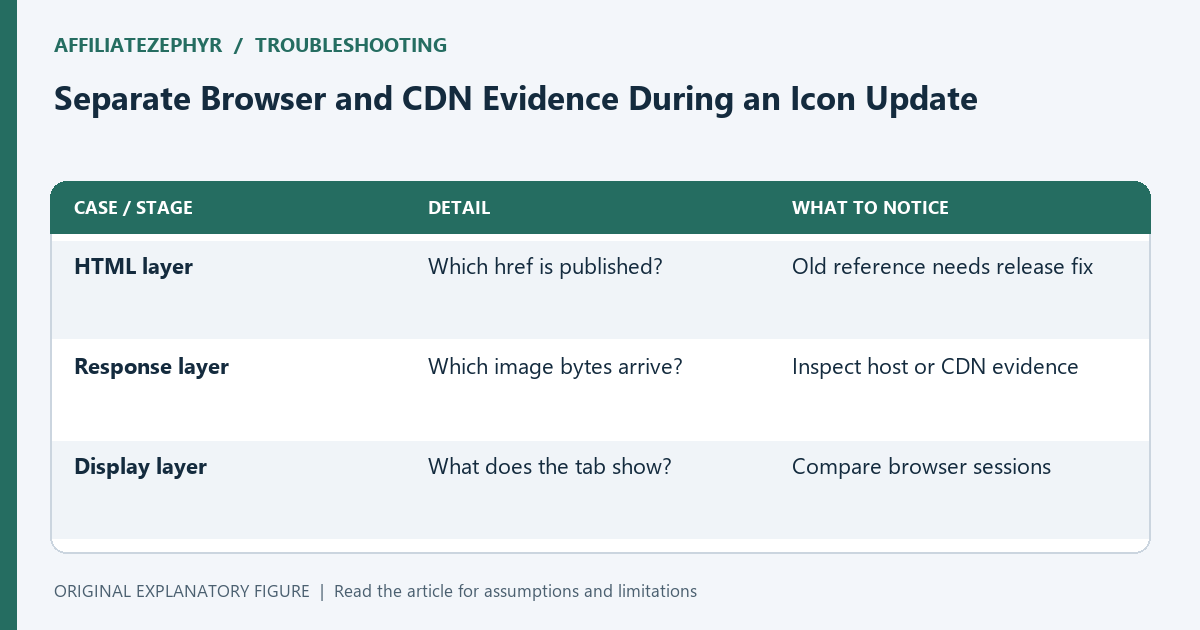
Read guide →Compare direct responses, request headers, and fresh sessions to identify which layer still serves old favicon artwork.
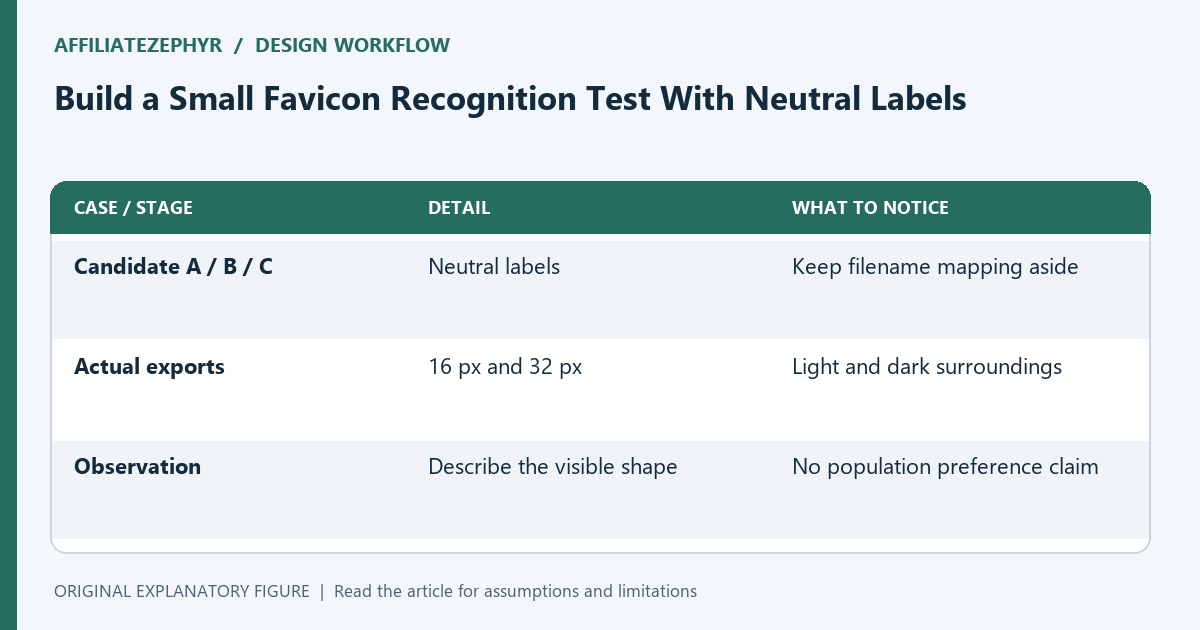
Read guide →Compare candidates at actual tab size without letting filenames or a large logo preview decide the result.
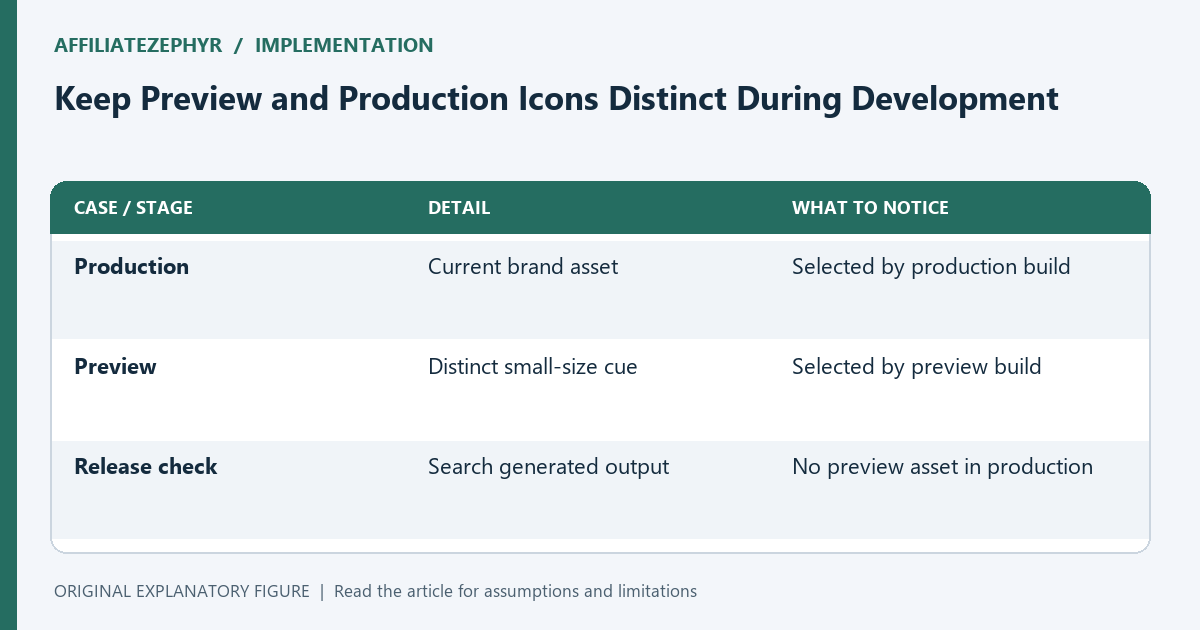
Read guide →Choose a recognizable preview marker and maintain separate references so a staging tab is easy to distinguish.
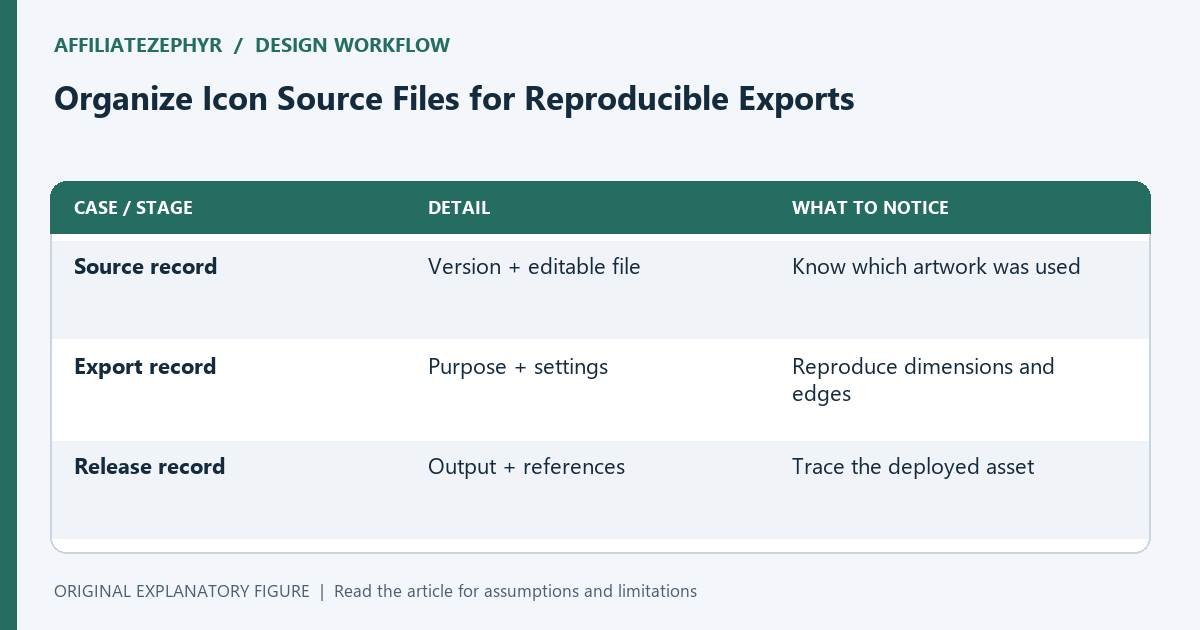
Read guide →Keep artwork versions, export settings, and output purposes together so the next icon update can be repeated.
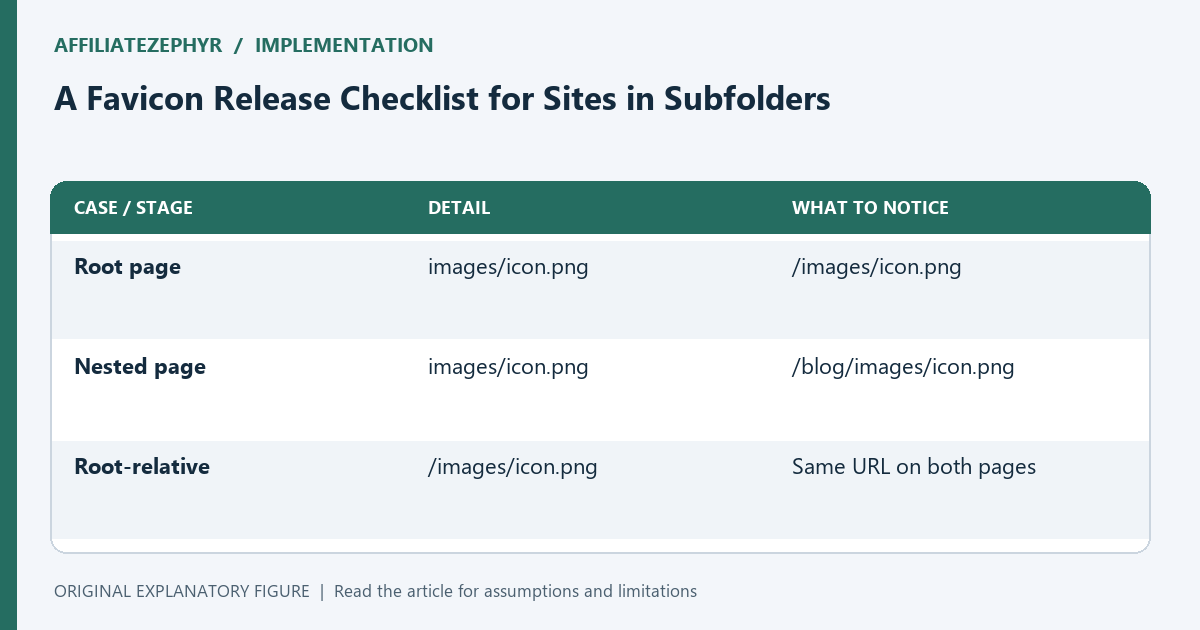
Read guide →Trace icon URLs from a nested page, avoid relative-path surprises, and verify a favicon release before changing production files.
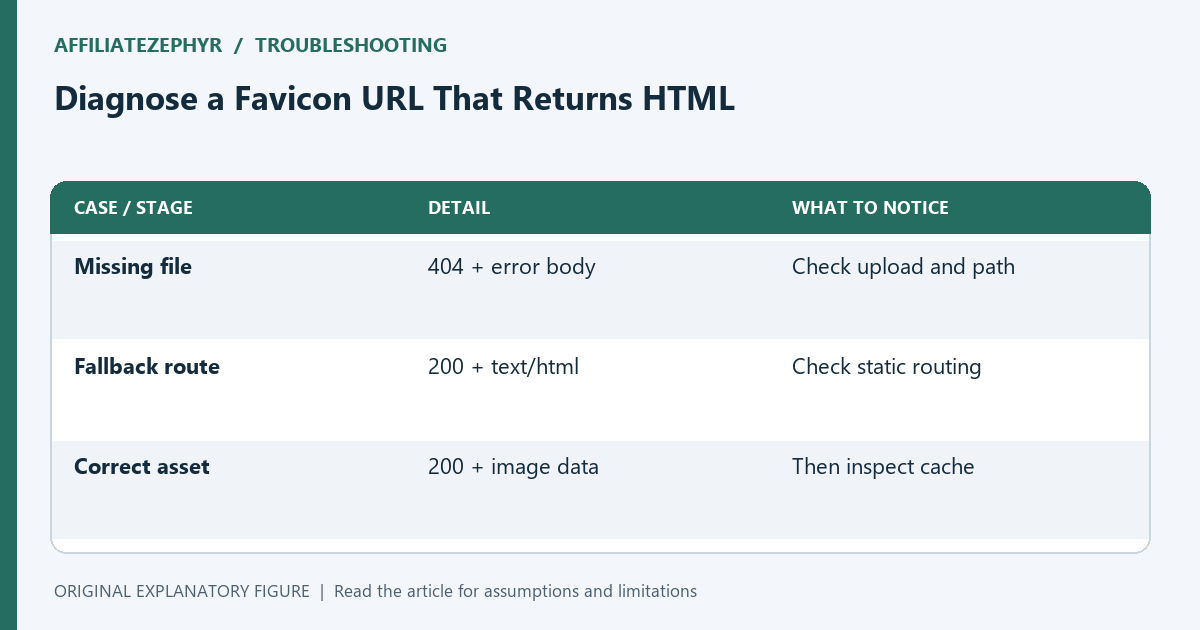
Read guide →Use status, content type, and response-body checks to distinguish missing favicon files from single-page-app fallbacks.
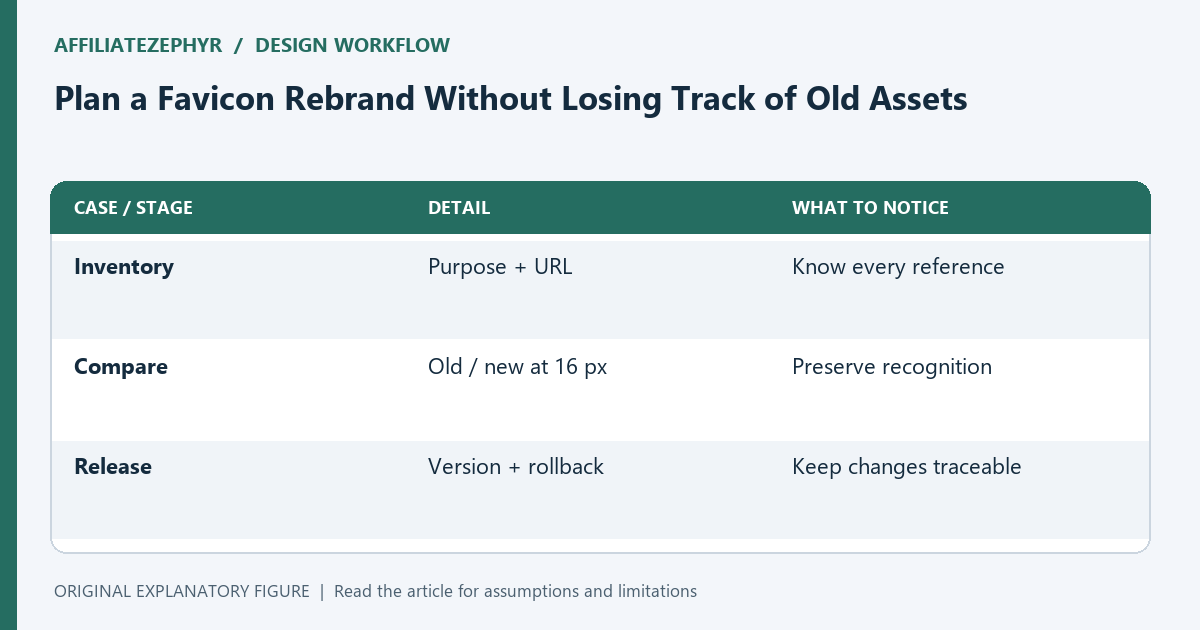
Read guide →Build an asset inventory, compare recognizable shapes, and sequence an icon rebrand with a practical rollback plan.
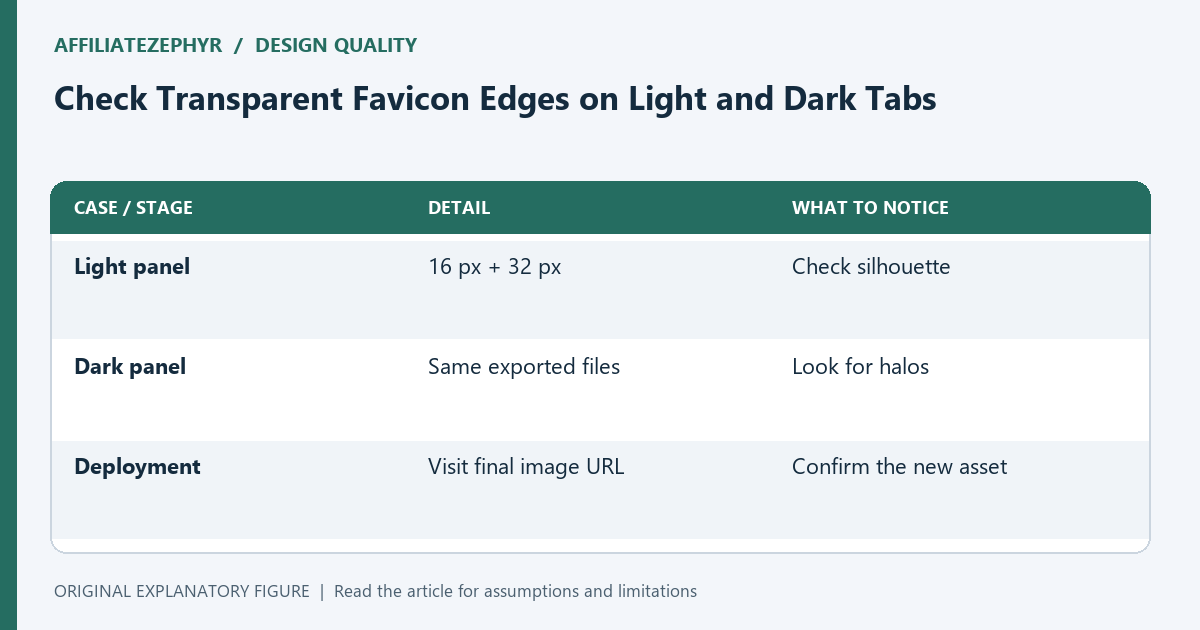
Read guide →Find export halos, accidental backgrounds, and disappearing outlines with a small repeatable favicon inspection sheet.
Read guide →Use a safe-area overlay to evaluate whether the important part of an app icon survives launcher cropping.
Read guide →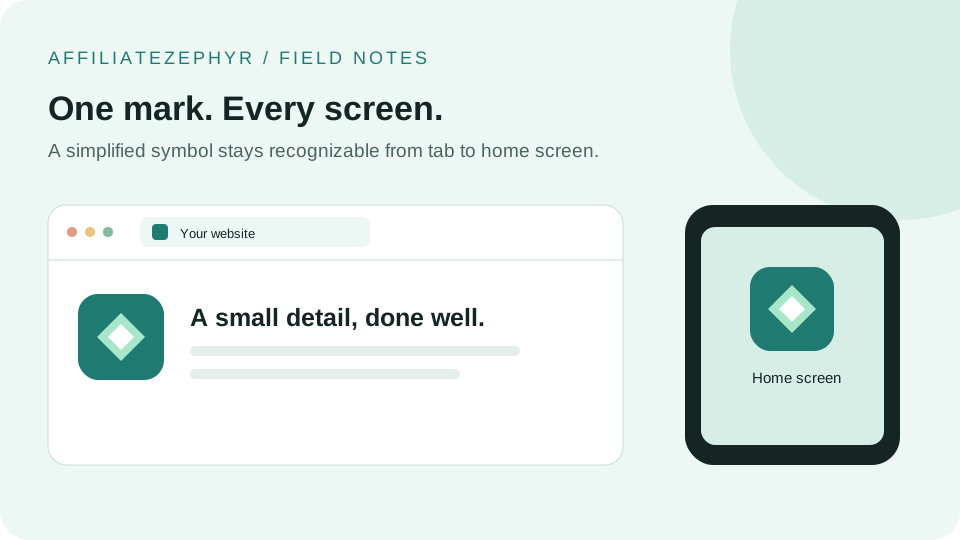
That tiny icon in your browser tab does more work than most people realize — for branding, usability, and trust.
Read more →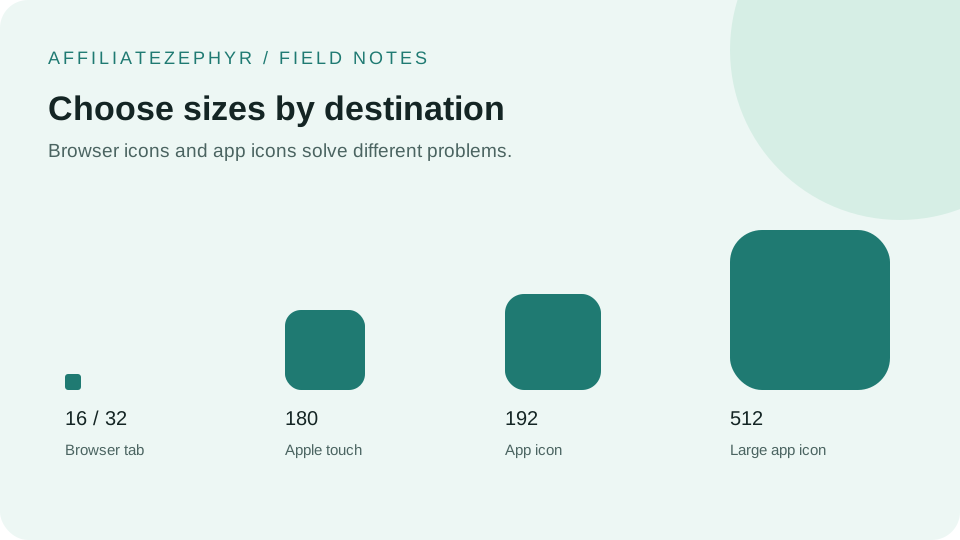
A single favicon size used to be enough. Modern devices expect a whole range of sizes — here's what each one is actually for.
Read more →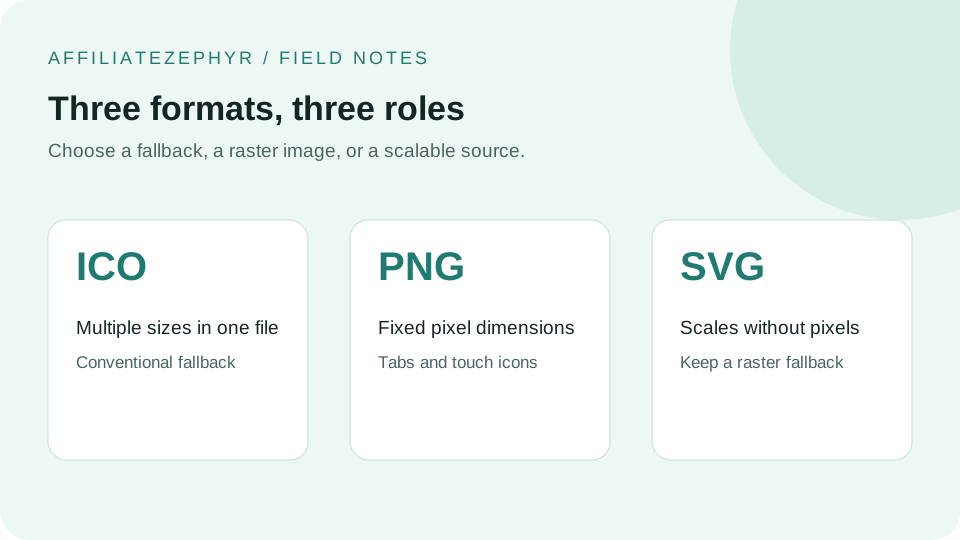
Three different image formats can all serve as a favicon. Here's how they differ, and why using more than one is usually the right call.
Read more →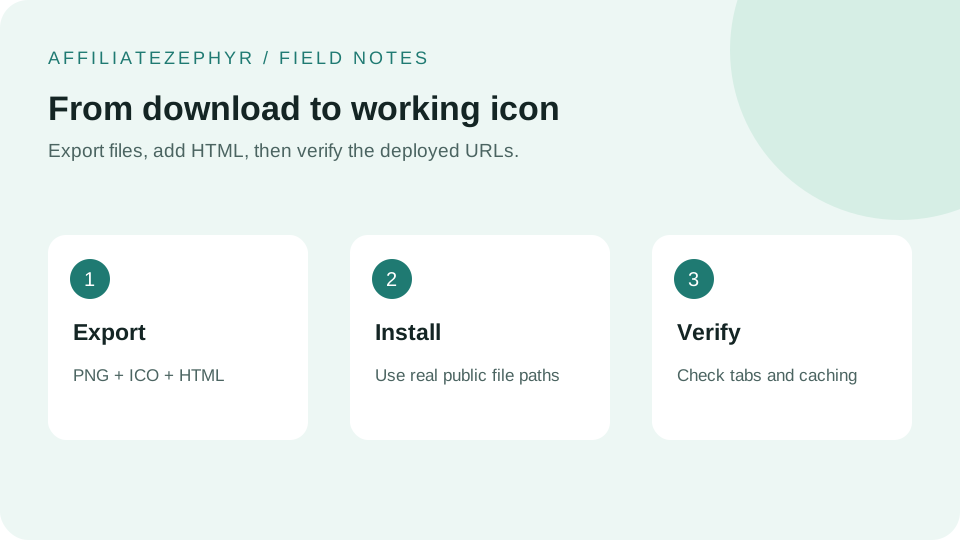
Generating a favicon is half the job — here's exactly where the files go and what HTML code makes browsers actually use them.
Read more →When someone adds your site to their iPhone home screen, a regular favicon isn't what displays — here's what Apple actually requires.
Read more →Android's icon system works differently from Apple's, relying on a JSON manifest file rather than a single HTML tag.
Read more →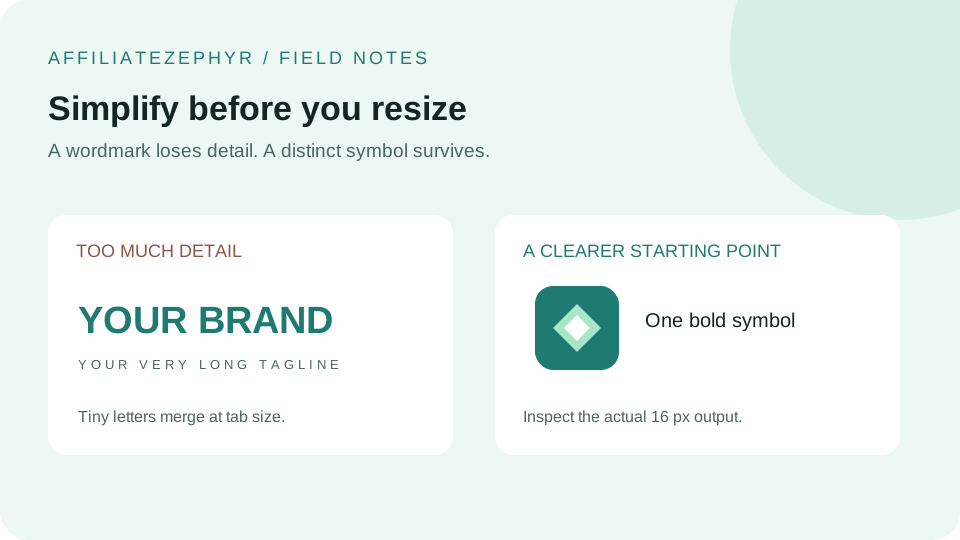
16x16 pixels is an unforgiving canvas. A design that looks great as a full logo can turn into an unrecognizable smudge at favicon size.
Read more →Browser tabs are a crowded, low-contrast environment. A favicon's color choices matter more than they might seem to at first glance.
Read more →A handful of recurring favicon mistakes show up across countless websites — most are quick to fix once you know to look for them.
Read more →Favicons don't boost rankings directly, but they play a small, real role in how a site appears — and performs — in search results.
Read more →Your full logo probably won't work as-is at favicon size. Here's how to adapt it properly instead of just shrinking it and hoping.
Read more →A favicon designed and tested only in light mode can look surprisingly different — sometimes broken — once a browser or OS switches to dark mode.
Read more →The favicon has a surprisingly specific origin story, tied to a single feature request in a long-forgotten era of browser competition.
Read more →A crisp-looking 16x16 favicon on an older monitor can look noticeably blurry on a modern high-resolution display, unless you plan for it.
Read more →As browser tab counts have grown, favicons have quietly taken on a bigger multitasking role than their original bookmark-icon purpose.
Read more →WordPress has a built-in favicon setting, but it comes with size limitations worth knowing about before you rely on it entirely.
Read more →Shopify's favicon setup is straightforward through the theme editor, but it's easy to miss where the setting actually lives.
Read more →You updated your favicon, but your browser still shows the old one. This is almost always a caching problem, not a setup mistake.
Read more →Safari has its own unusual favicon-adjacent feature with a specific requirement most standard favicon setups don't meet by default.
Read more →Windows has its own icon and tile system for sites pinned to the Start menu — a legacy feature still worth understanding.
Read more →You don't need professional design skills to create a favicon that looks clean and intentional — a few simple approaches go a long way.
Read more →For a store with many product pages open across multiple tabs, a distinctive favicon carries a bit more practical weight than usual.
Read more →Brand consistency usually means "match exactly" — but favicons are one of the few brand assets where a deliberate departure often works better.
Read more →A Progressive Web App needs more icon coverage than a standard website — here's exactly what the format requires and why.
Read more →A favicon that looks perfect in your main development browser can behave differently elsewhere. A quick cross-browser check catches most issues early.
Read more →