While Apple's iOS handles home screen icons through a single dedicated HTML tag (covered in our Apple touch icon guide), Android's approach is built around a separate JSON configuration file called a web app manifest — a slightly more involved but also more flexible system.
What the web app manifest actually is
A web app manifest is a JSON file (typically named manifest.json or site.webmanifest) that describes how a website should behave when treated more like an installed app — its name, theme colors, display mode, and importantly, its icon set at various sizes. This same manifest file also underpins Progressive Web App (PWA) functionality more broadly, covered further in our PWA icons guide.
A basic manifest icon example
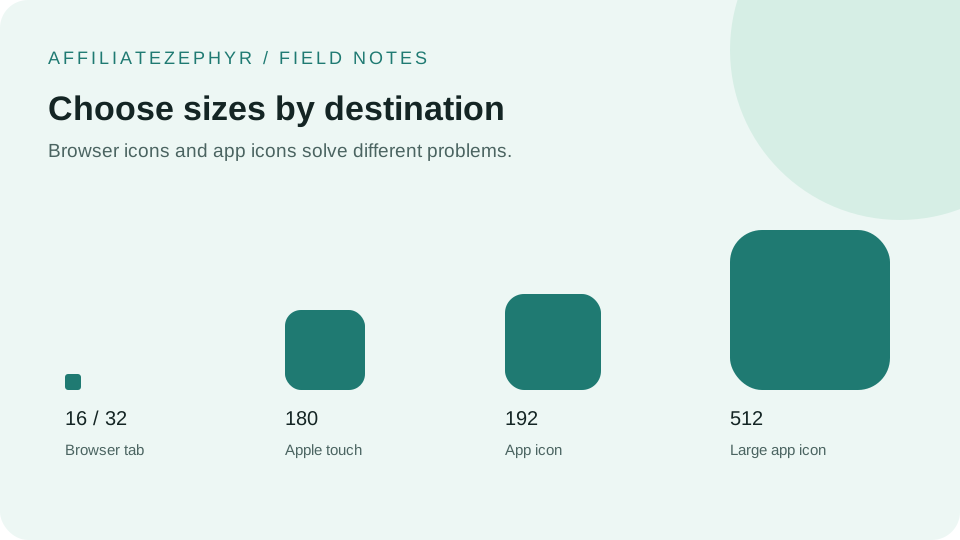
The 192x192 size is generally used for the Android home screen and app drawer icon; the 512x512 size is used for splash screens and higher-resolution contexts. Our free Favicon Generator creates both of these exact sizes.
Linking the manifest file to your HTML
Beyond creating the manifest file itself, your page's <head> needs a link tag pointing to it:
Why Android's approach differs from Apple's
The manifest-based approach reflects a broader design difference: Android's system, built around the open web app manifest standard, was designed with Progressive Web Apps in mind from the outset — full installable web apps with their own icons, splash screens, and display behavior, not just a home screen shortcut icon. Apple's simpler direct-HTML-tag approach for a basic touch icon predates and remains separate from this broader PWA-oriented system, though Apple has since added its own more limited PWA support as well.
Do you need a full manifest for a simple website?
If your goal is simply having a correct icon appear when someone adds your site to their Android home screen, a manifest file with just the icons (and a name field) is sufficient — you don't need to build out full PWA functionality (offline support, install prompts, and so on) just to get a proper icon working.
A simpler fallback: direct icon link tags also work to some degree
Chrome on Android will also respect a standard <link rel="icon"> tag for basic favicon display, similar to desktop behavior — the manifest file specifically becomes necessary for the more polished "add to home screen" experience with a proper app-like icon, name, and theme color, rather than a generic bookmark shortcut appearance.
Testing on an actual Android device
As with Apple touch icons, it's worth testing the actual "Add to Home Screen" behavior on a real Android device after setup, since manifest handling can have small inconsistencies across different Android versions and Chrome releases.
Generate the icons you need
Our free Favicon Generator produces both the 192x192 and 512x512 PNG sizes needed for a proper Android/PWA manifest setup, ready to reference in your own manifest.json file.
Keep reading: